Protect Your Accounts with MFA
Your password is a great defense for protecting your account from hackers, but there's more you can do. Multi-Factor Authentication (MFA) adds an extra layer of security to help keep your accounts safe.
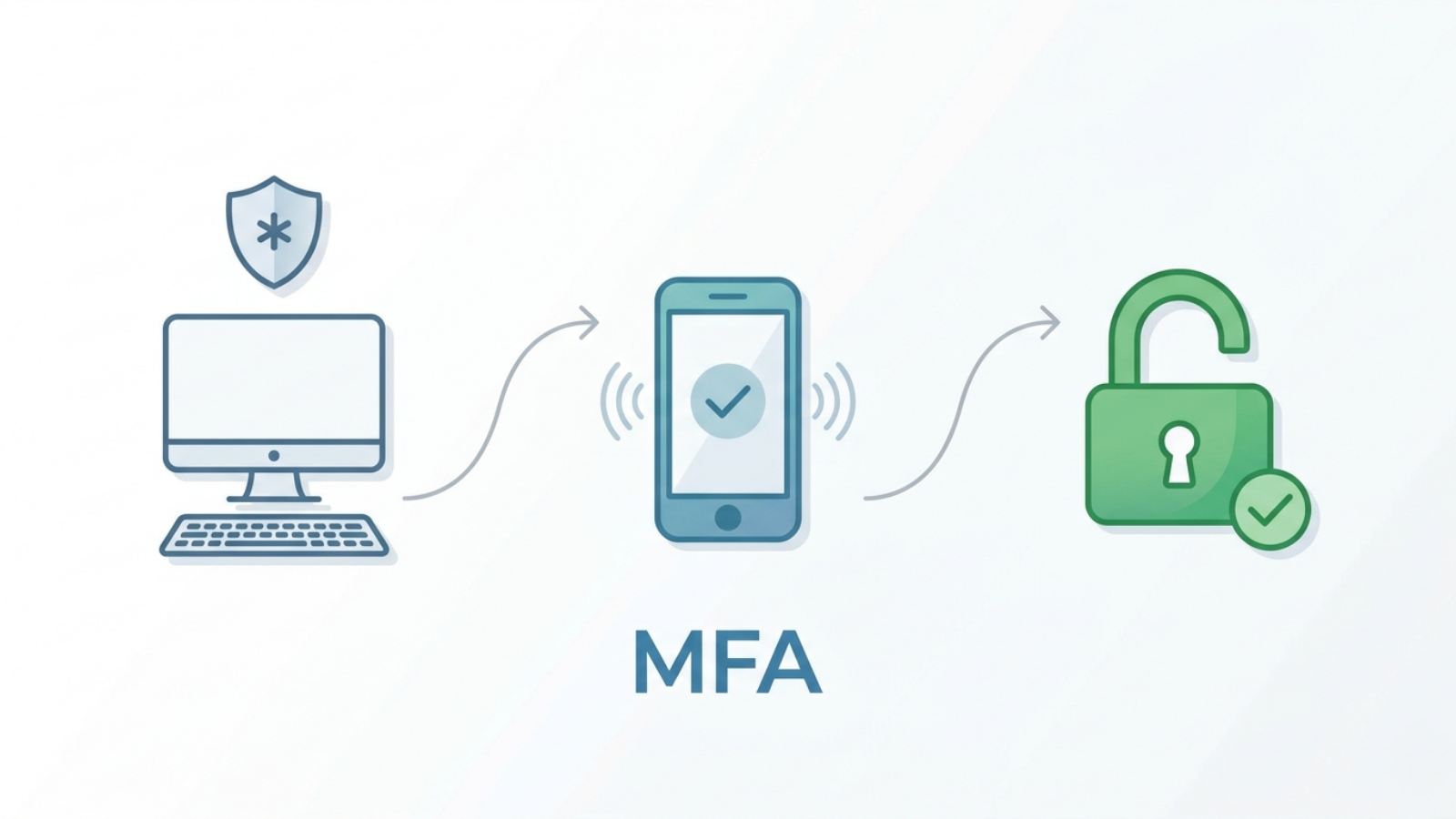
What is MFA?
Multi-Factor Authentication (MFA) requires more than one step to sign in to your account. Instead of just entering a password, you may also need to confirm your identity with something like:
- A code sent to your phone.
- A notification in an authenticator app.
- Your face ID.
It only takes a few seconds and helps confirm that you are the person signing in.
Are we using MFA at Ontario Tech?
At Ontario Tech, we use three different types of authenticators to help keep our students, staff and faculty safe. By requiring authentication, we help protect our community against cyber attacks and ensure that each link in our security chain is strong.
Students Google Authenticator
Students Google Authenticator
Set up two-step verification by using Google Authenticator.
Students Microsoft Authenticator
Students Microsoft Authenticator
Set up multi-factor authentication by using Microsoft Authenticator.
Faculty and Staff
Faculty and Staff
Set up multi-factor authentication by using Duo.
Follow IT Services for more student-focused tech tips and updates.